All stories
Nlinkdigital presencesmall business Africaonline presencecustomer experiencevisibility platformSME Nigeria
How Caterers Can Take Orders Without Answering the Same Question All Day
Stop retyping your menu and prices in every chat. See how a caterer can take orders from one page, even when you can't reply right away.
Onyinye Ogbuka 10/15/2026 3 0
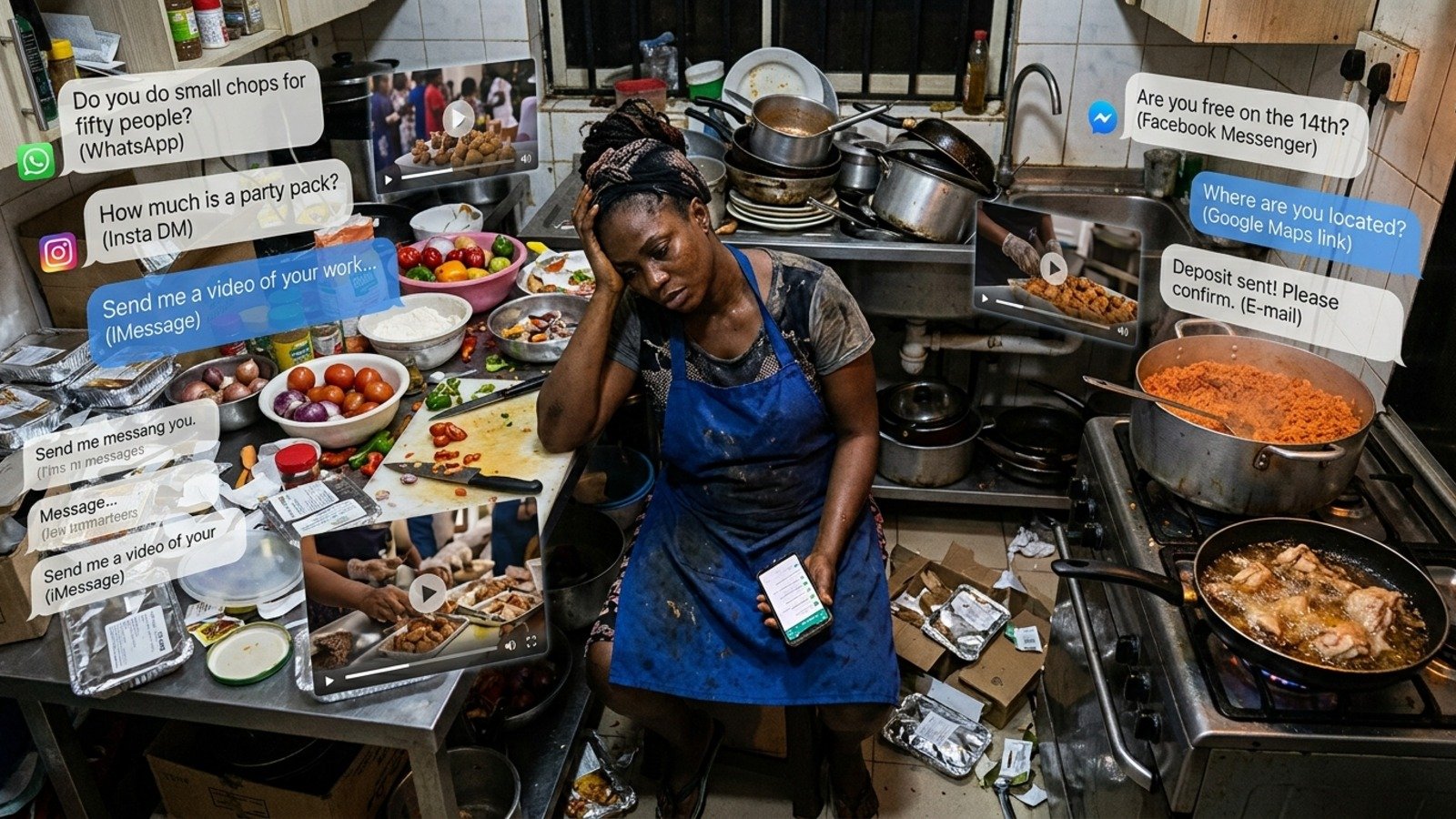
"Do you do small chops for fifty people?"
"How much is a party pack?"
"Are you free on the 14th?"
"Where are you located?"
If you run a catering business, you have answered these questions so many times you could do it in your sleep. You have also answered them at midnight, in the middle of cooking, and while standing in a market. And every time, you hoped the customer was still there when you finally replied.
There is a better way to handle it, and it does not need a website or a developer.
Why your orders depend on a fast reply
For most caterers, the business lives inside WhatsApp.
Customers see your food on Instagram or hear about you from a friend, and then they message you to find out what you sell. Until they do, they see nothing: no menu, no prices, no photos beyond the post that brought them in.
That creates three problems.
- The same questions repeat. Menu, price, delivery, availability. You type the same answers dozens of times a week.
- Speed decides who wins. A customer who waits an hour for your reply may already have ordered from someone who answered in five minutes.
- Nothing is saved. Your prices and your best work sit inside private chats, so nobody can review them before buying or share them afterwards.
In other words, an order depends on how fast you can reply, not on how good your food is.
Let one page answer for you
The fix is to move the answers out of your chats and onto a page that is always open. Think of it as a front door for your kitchen. A customer arrives and sees, in one look, who you are and what you cook.
They can scroll through your menu, your packs and your event catering options. They can see photos and videos of real plates. Then they can order or ask a question, already knowing what they are asking about.
This is what a reception does in a physical business. It greets people, shows them around, and answers the common questions before they have to ask. You step in for the conversations that need you.
Just think about this
Imagine a caterer called Chioma, who cooks for weddings, birthdays and office lunches. She used to send the same menu screenshot to every enquiry and lose some of them overnight.
Now imagine she puts her menu, her packs, her prices and a gallery of finished events on one page, and adds a short form asking for the date, the number of guests and the location. When a customer finds her, they read everything first. Their message arrives with the details she needs, so she can quote straight away. She still talks to customers. She just stops starting every conversation from zero.
How to set up your catering page in five steps on Nlink
1. Put your menu and packs on the page. List what you cook, grouped the way customers think: small chops, party packs, event catering, daily meals.
2. Add your prices. A customer who can see your price before messaging is a customer who has already decided you are an option.
3. Show real food. Photos and short videos of your actual work are your proof. Add a few kitchen stories so the page feels alive, not frozen on launch day.
4. Add an order or enquiry form. Ask for the things you always ask: date, number of guests, location, any dietary needs. Every enquiry then arrives organised.
5. Share one link everywhere. Put it in your bio, your WhatsApp status, your packaging and your flyers, and print the QR code on your delivery boxes.
When someone asks, "Where can I see what you cook?", you send one address.
Know what happened while customers were there.
A good page also tells you what is working. With Nlink you can see how many people visited, what they looked at and what they did next. If many people read your event catering section but few send an enquiry, you know where to improve.
A page you never measure never gets better.
What Nlink gives a caterer
Nlink gives every business its own page at nlink.pro/yourname with a menu and price display, photos, videos, a message button, forms, and stories that keep your page fresh between visits.
It is built for phones, including mid-range phones on mobile data, which is how most of your customers will open it. Setup takes less than 58 seconds, and the free plan needs no credit card.
Stop retyping, start receiving
You cook.
Let your page do the explaining.
Claim your free Nlink page at https://nlink.pro/, add your menu and your best photos, and send your next enquiry to one link instead of one long chat.